Installation
-
Download the latest Windows Installer (
dm-unittest-harness-X.X-X-setup.exe). See Accessing the MettleCI Software Distribution. -
Run
dm-unittest-harness-X.X-X-setup.exeusing a user with Administrator privileges -
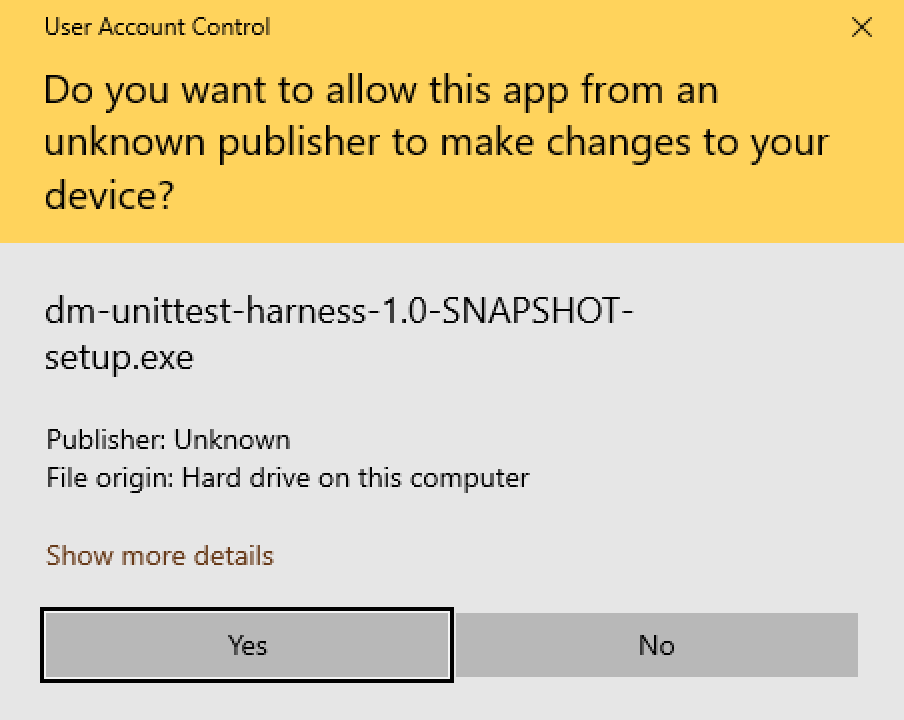
Allow Unit Test Harness installer to make changes on the “User Account Control” screen
-
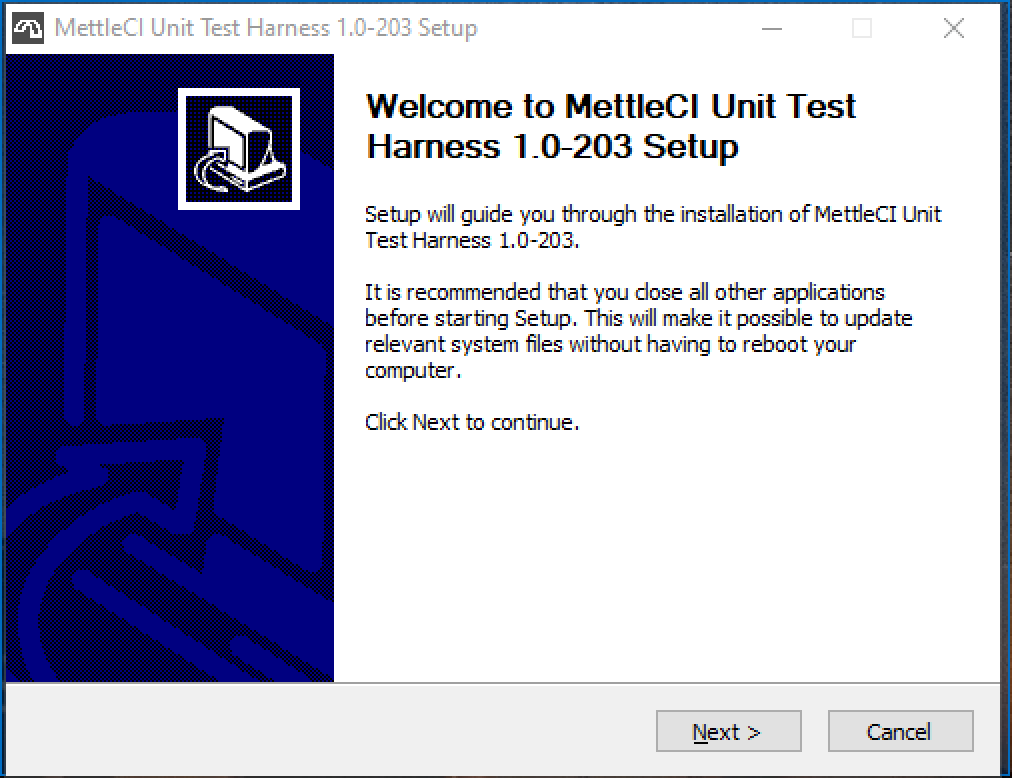
Click next at the welcome screen
-
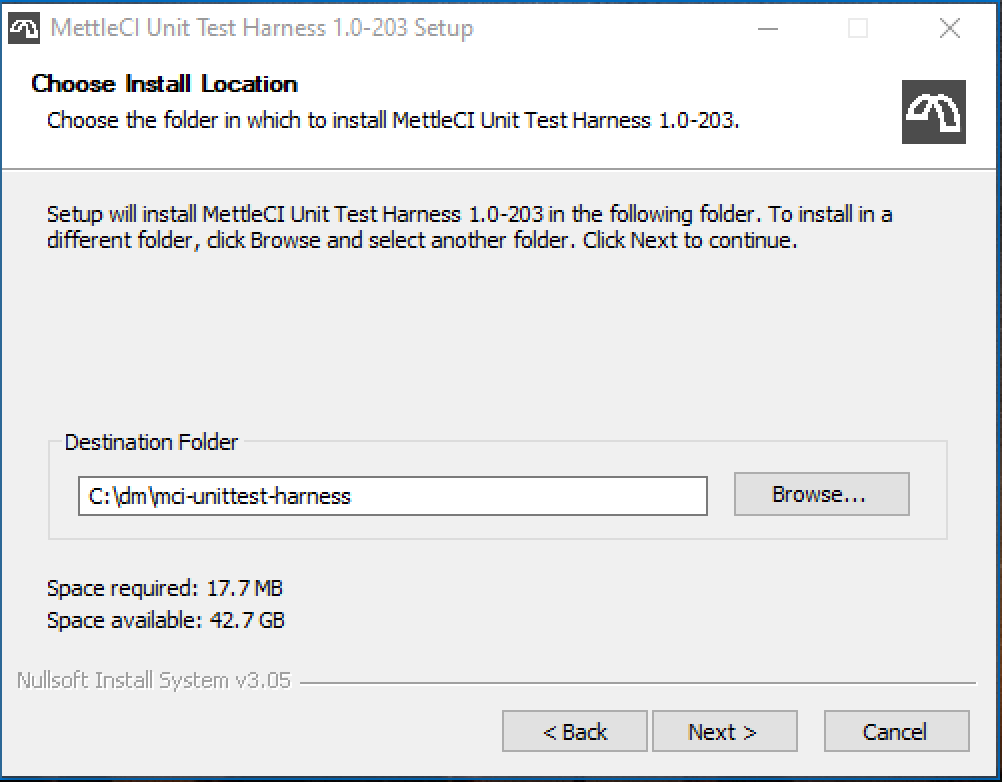
Select a location to install Unit Test Harness. This location is used for storing the uninstaller
-
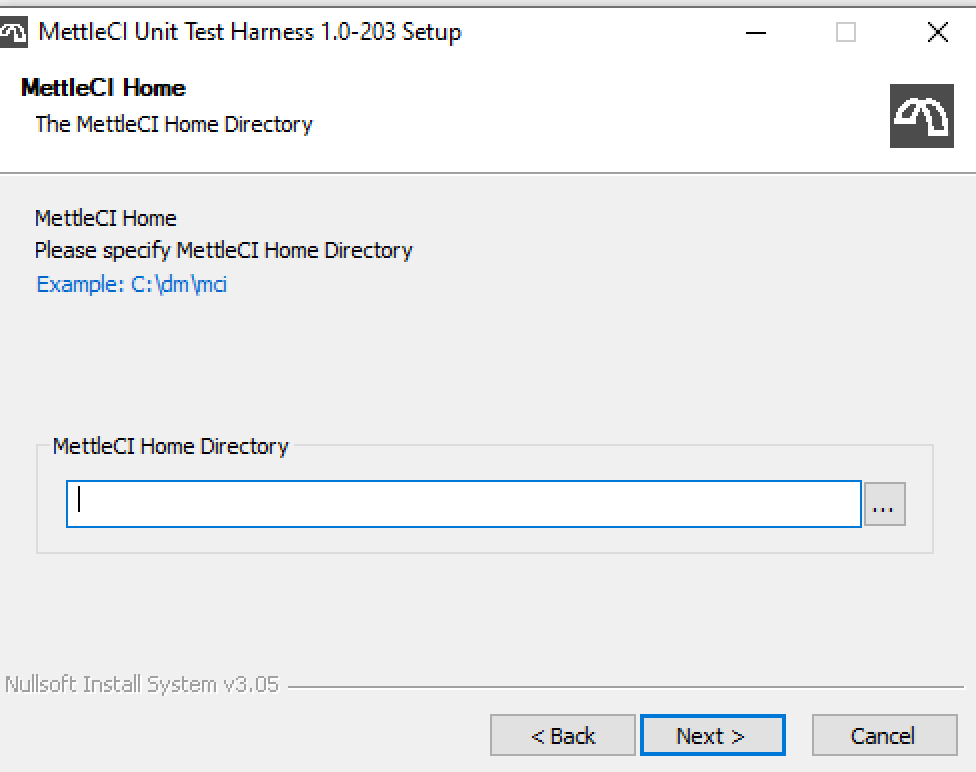
Select Mettle Home location. This screen will only appear if you install MettleCI Unit Test Harness before MettleCI Workbench.
-
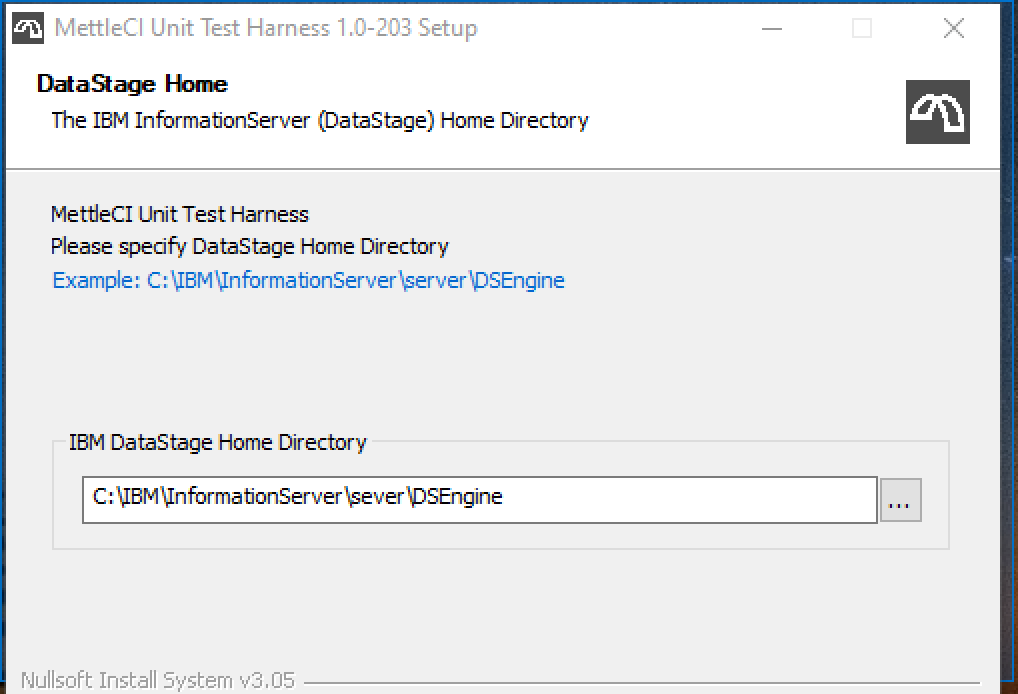
Select DataStage Home directory.
-
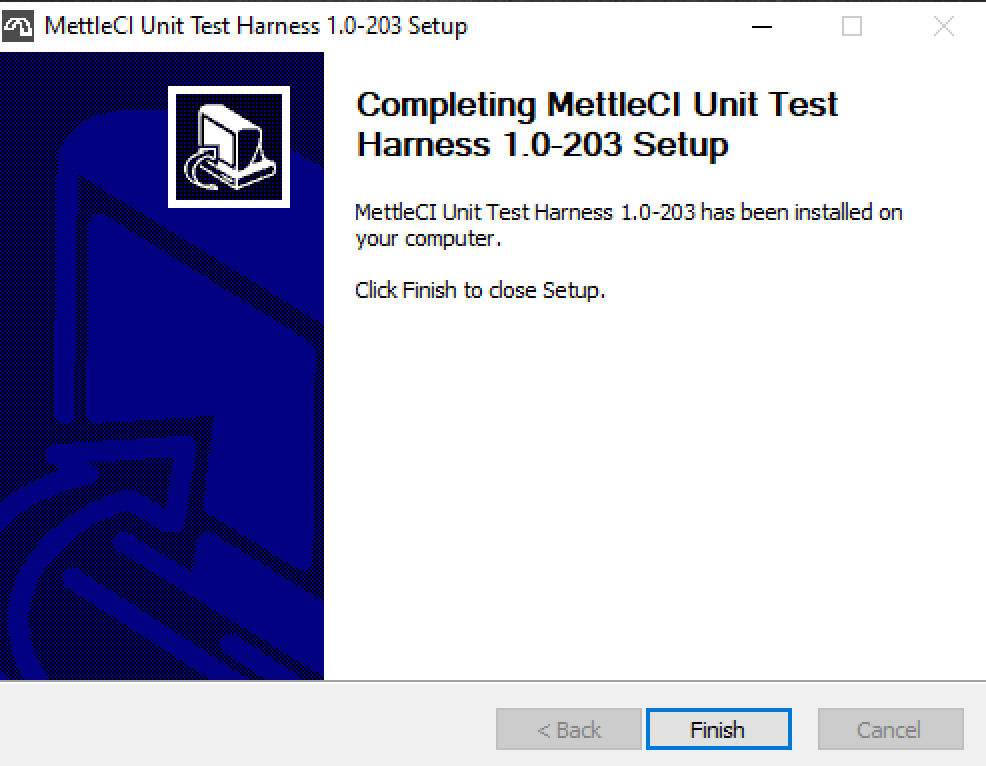
Congratulations! Installation of MettleCI Unit Test Harness is now completed
Automated Installation
The installation of MettleCI Unit Test Harness version 1.0-353 and later can be automated via the /S option:
Usage:
start "" /wait <Unit Test Harness EXE file> /S /mcihome <MettleCI Home> /uthome <path/to.unittestharness> /dshome <path/to/datastage/home>
Sample output:
C:\>start "" /wait dm-unittest-harness-1.0-353-setup.exe /S /mcihome C:\dm\mci /uthome C:\dm\mci-unittest-harness /dshome C:\IBM\InformationServer\Server\DSEngine

MettleCI Unit Test Harness installation completed

C:\>echo %errorlevel%
0
Enable MettleCI Unit Testing for DataStage projects
To enable MettleCI Unit Testing for an existing DataStage project:
-
Log into your development DataStage Engine(s) and navigate to your DataStage project folder. This would typically be:
# Windows <DRIVE-LETTER>:\YOUR\PATH\TO\INFORMATION-SERVER-ROOT-FOLDER\Server\Projects\<Your Existing Project> or # Unix /your/path/to/InformationServer/Server/Projects/<Your Existing Project> -
Add the following Environment variable definition to the
DSParamsfile under the[EnvVarDefns]section:DM_ENABLE_UNIT_TESTING\MettleCI\-1\List/Disabled//Test//Intercept/\Disabled\3\Project\Unit Testing Configuration\
To enable MettleCI Unit Testing for all newly-created DataStage projects:
-
Add the same entry described above to the DSParams for your ‘Template’ project, located in directory:
<DRIVE-LETTER>:PATH\TO\INFORMATION-SERVER-ROOT-FOLDER\Server\Template
Upgrade MettleCI Unit Testing Harness
To upgrade MettleCI Unit Testing Harness, is as simple as
-
Uninstall the old version
-
Install the new version
Uninstall
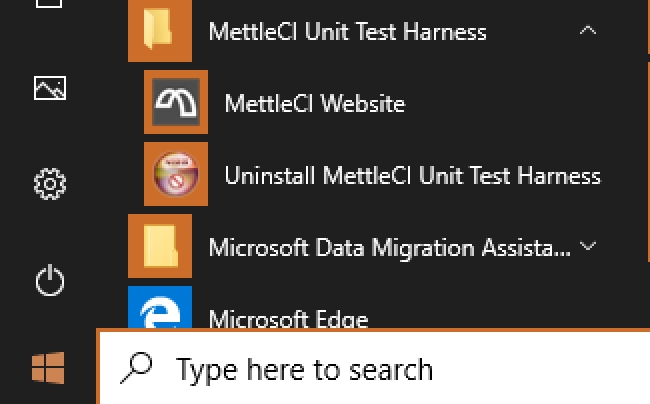
The MettleCI UnitTest Harness uninstaller can be found under Windows Start Menu. Click on it, and the wizard will guide you through the uninstalling process.