
Configure your first project in your MettleCI environment by opening the following URL in your browser: http://[SERVER_URL]:8080 (or whatever custom port you may have configured for MettleCI Workbench)
Configure First Project
and enter the details for the repository where you will store your DataStage artefacts. You’ll also enter details for an associated Compliance Rules Git repository.
If the Git SSH settings are not working for you then follow the steps here.
-
To configure your first project in MettleCI Workbench select a DataStage Project from the dropdown list of existing (but unregistered) DataStage projects.
)-20251003-170504.png?cb=f89a6de56178fc38f1be6af8ab3cfb9a)
-
Specify the details of the Git repository where you’ll store your project assets. You can create a clean Git repository in your preferred Git system by cloning the template available here.
)%20(1)-20251003-170525.png?cb=308b94264535870a7b4d09aeb8b4ee49)
-
Specify the details of the Git repository where you’ll store your Compliance Rules. A
.zipfile containing an example Compliance Rules repository is shipped as part of your MettleCI media.)%20(2)-20251003-170644.png?cb=94ad7dca269274a644338315d9fc9f4c)
-
Select the work item service integration you wish to use with this project. Configuring work item service integrations is detailed here.
)%20(3)-20251003-170704.png?cb=bf42414a4ece14ea6d0b8b62502e44f6)
Update Project Settings
If changes are required, select your project from the Project Selection page then select the Project settings page.
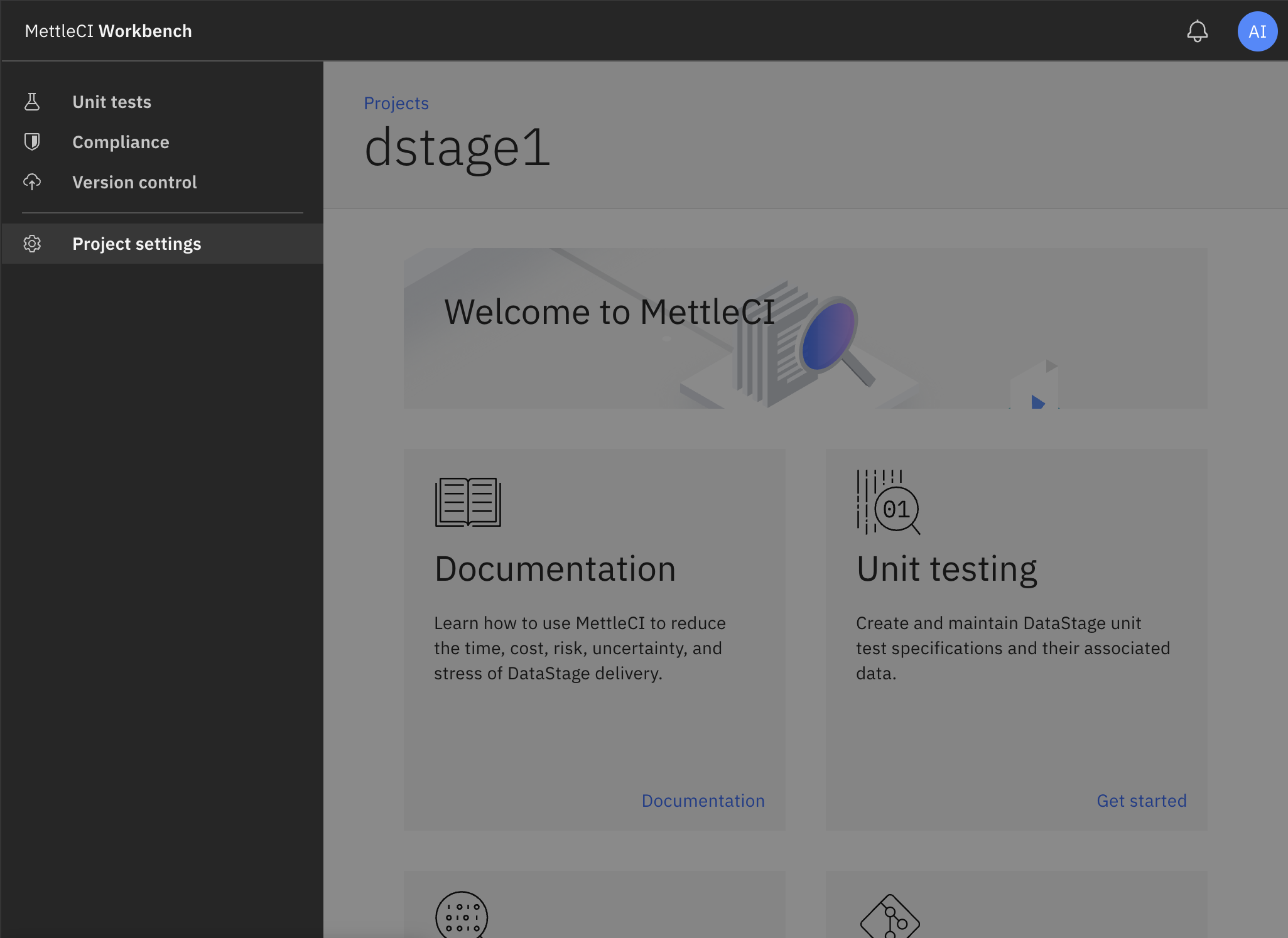
On the Project settings page you can change your values for Git repository, Compliance repository, and Work item integration settings. Click Save once you’ve nmade your updates.
)%20(4)-20251003-174037.png?cb=a9849b4df016fbec482eefb60b8b104a)
)%20(5)-20251003-174113.png?cb=60e85379aa903831b8493aa67f397397)
)%20(6)-20251003-174147.png?cb=10846f33f58bf6cc1ebd468e3e91a471)