
Your custom generators are added to the set of built-in generators which are available when specifying your column’s test data generator.
Step by Step
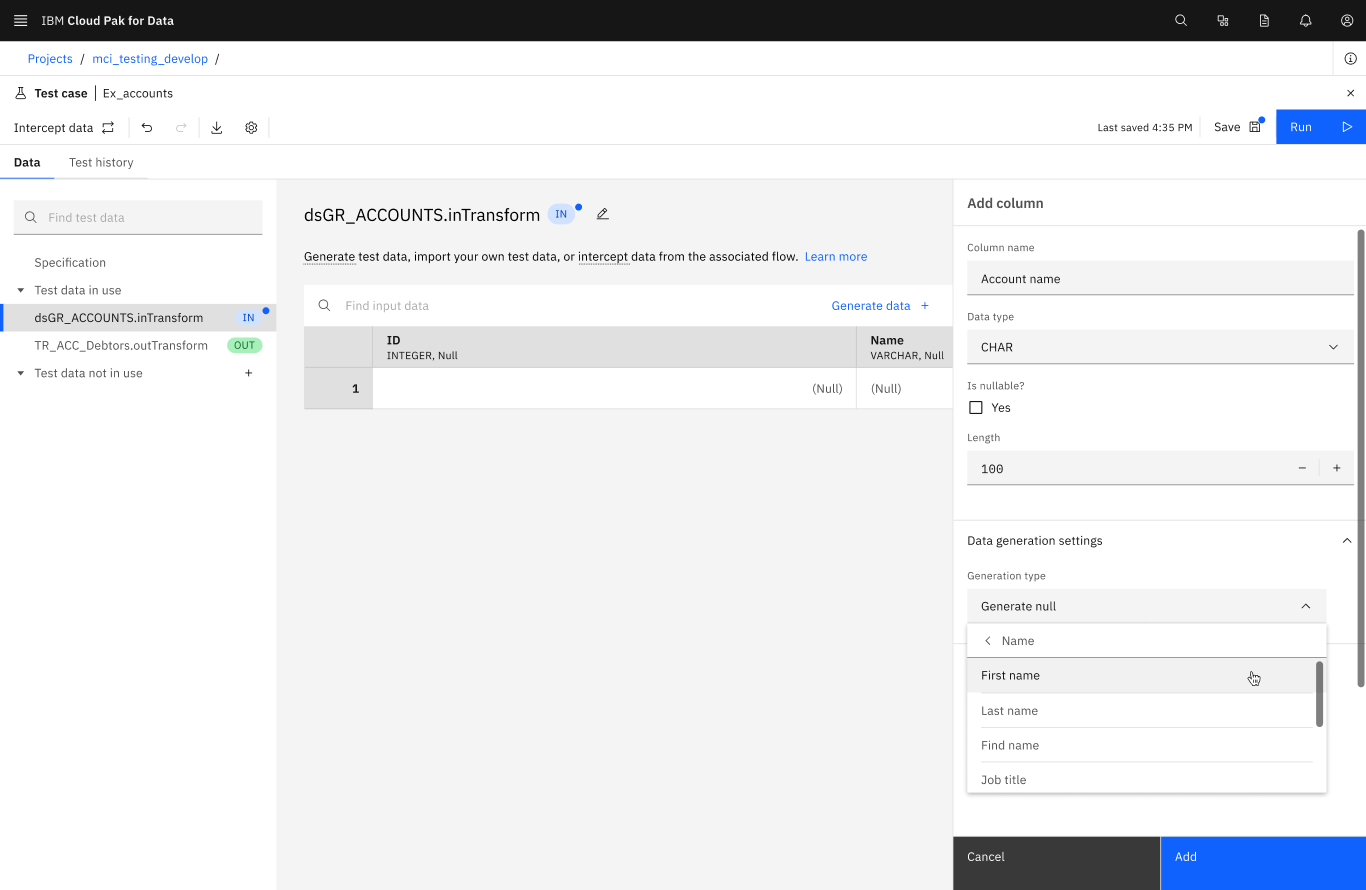
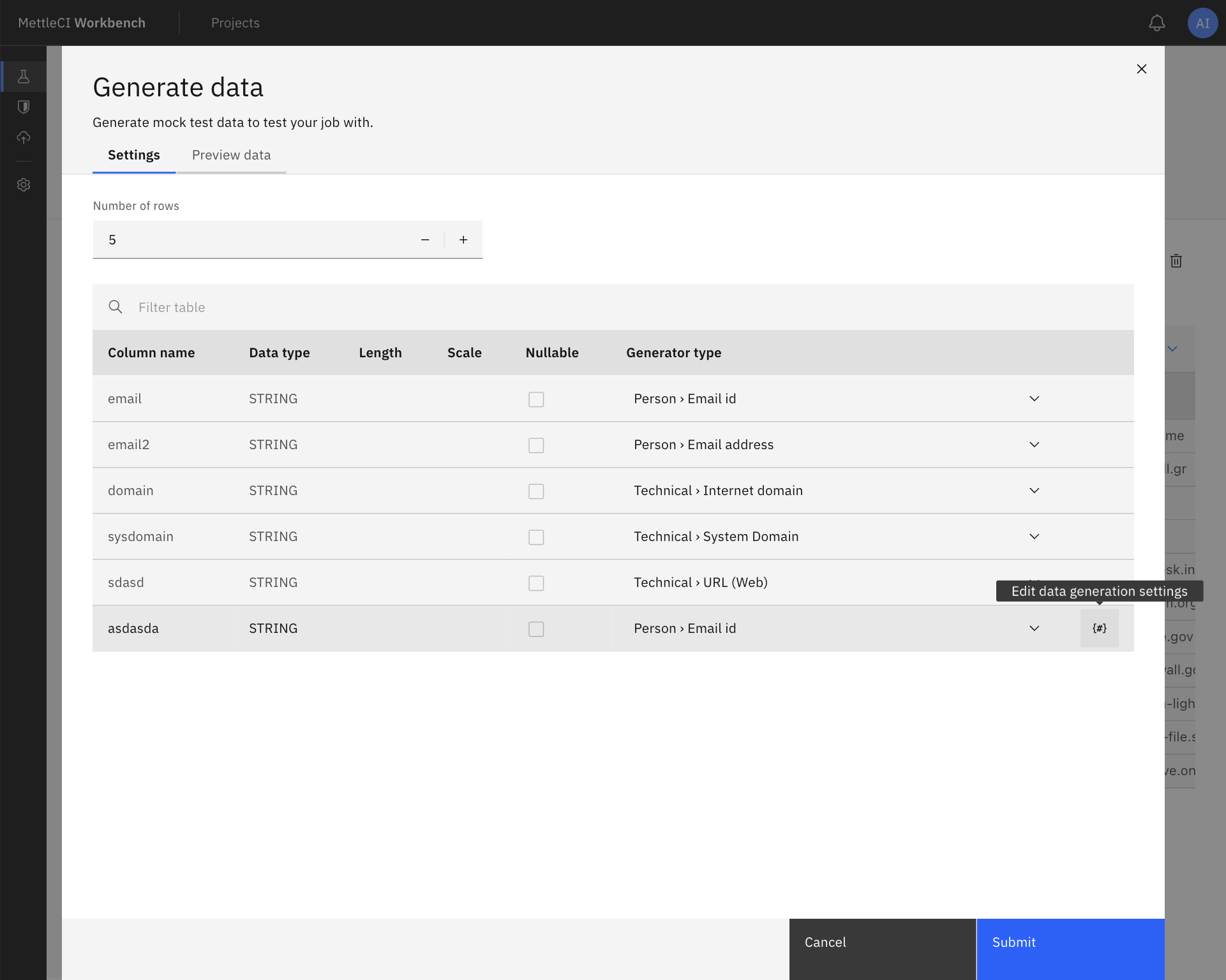
Starting with the column for which you want to generate data, select the relervant data generator category. This will then present a list of generators appropriate to the column's specified data type. Selecting your desired generator from the list will then allow you to modify the selected generator’s parameters, if any.
This capability can be accessed using either of the following mechanisms:
The Generator type drop down box under the Data generation settings section of a test data file’s column properties …
… or the Generator type drop down box on the Generate data tear sheet of a test data file. In this case you should specify your desired generator, then select the settings {#} icon to specify its parameters.
)%20(1)-20250917-075427.png?cb=cb627fd9d04f63e9beb626214308dd1e)