-
Create an empty repository in your Azure DevOps instance:
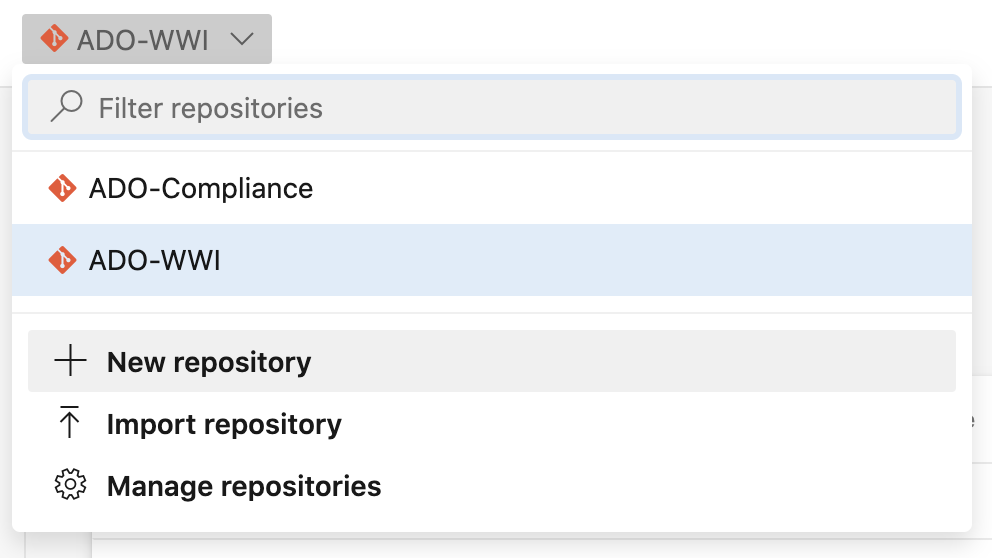
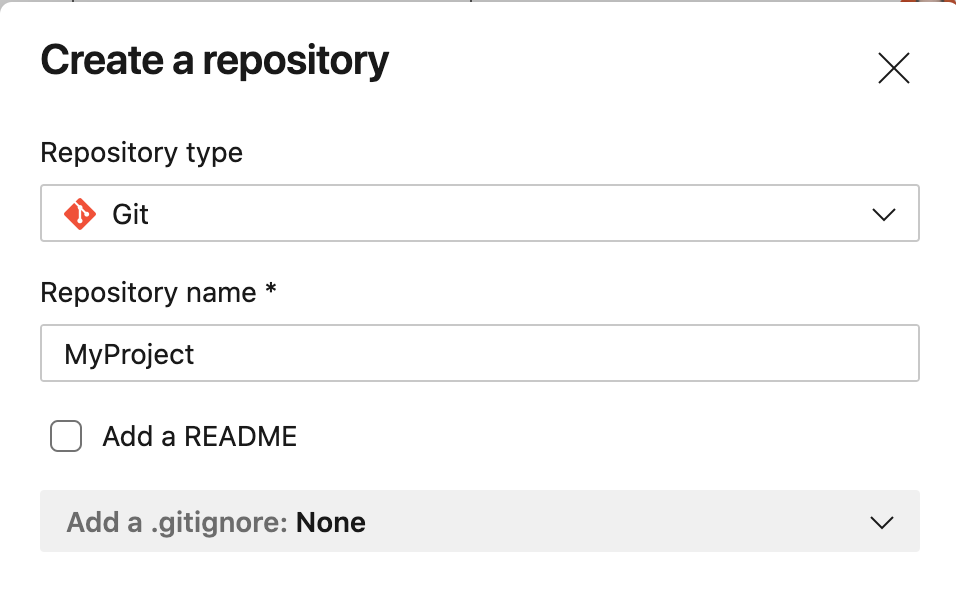
2. Download the Azure template repository from software.mettleci.io. Copy the zip file to a machine with Git installed that can communicate with your Azure DevOps instance, and unzip it.
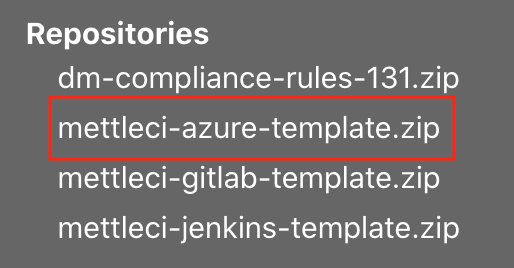
3. Run the following commands in the root directory of the unzipped repository:
> git remote add origin [REPO_URL]
> git add --all
> git commit -m "Initialised template repository"
> git push --set-upstream origin master
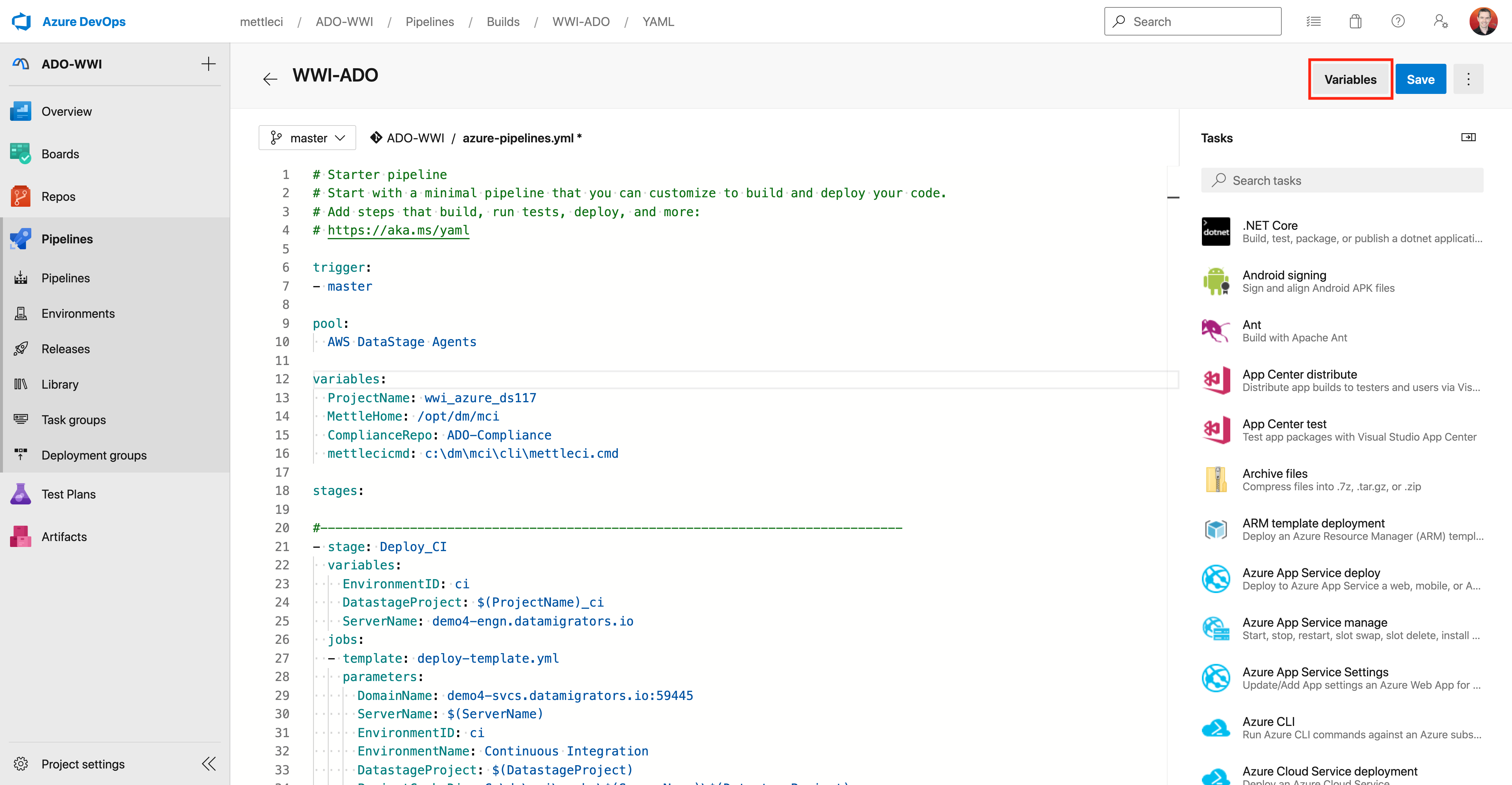
4. In the root of the repository, there is a file called azure-pipelines.yml. In that file there are a number of variables with placeholders in the format [PLACEHOLDER]. These need to be replaced with values for your environment. Also, the following credentials need to be set in variables in Azure DevOps. As they hold credentials they should not be set in the yaml, but (at least for passwords) should use secret variables.
-
IISUsername
-
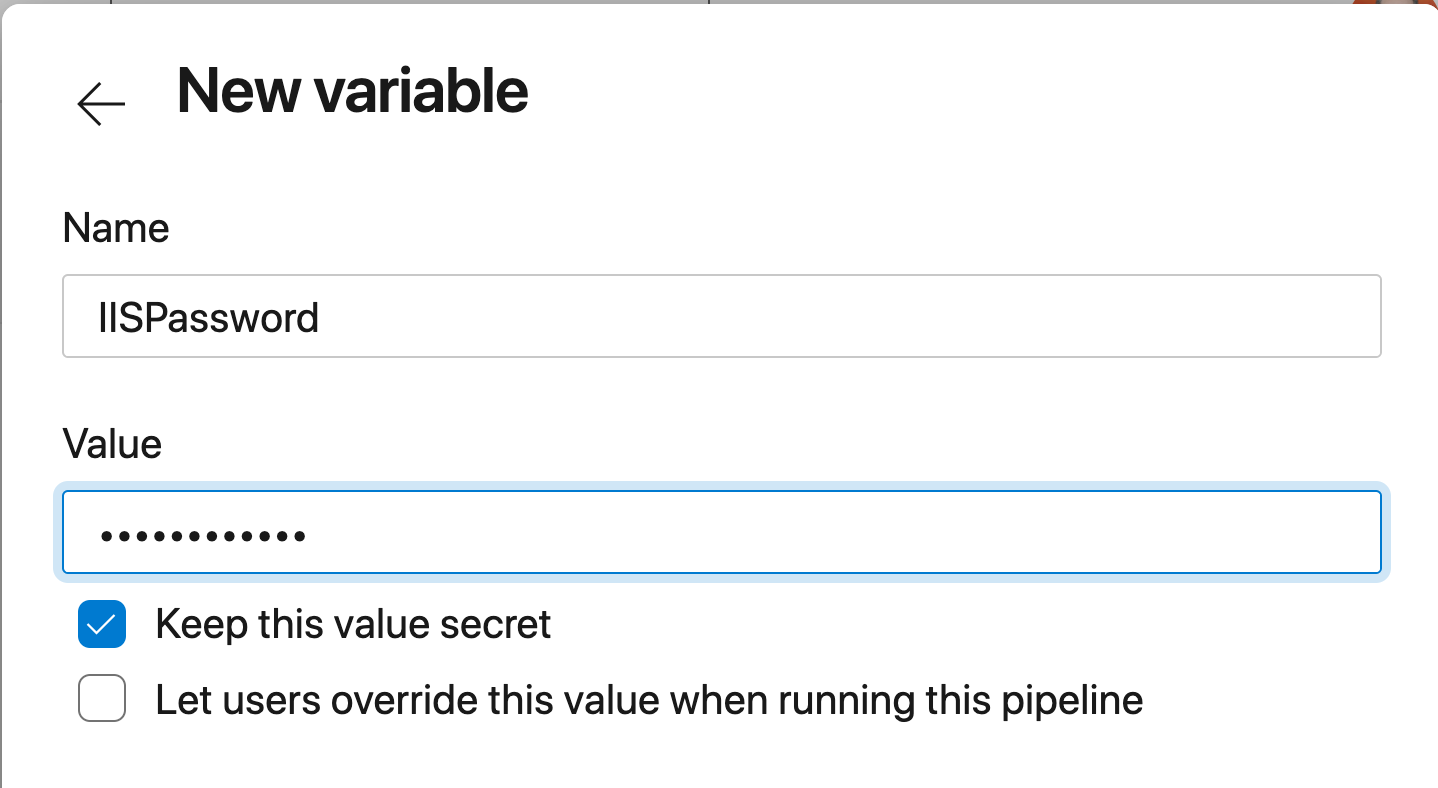
IISPassword
-
MCIUsername
-
MCIPassword
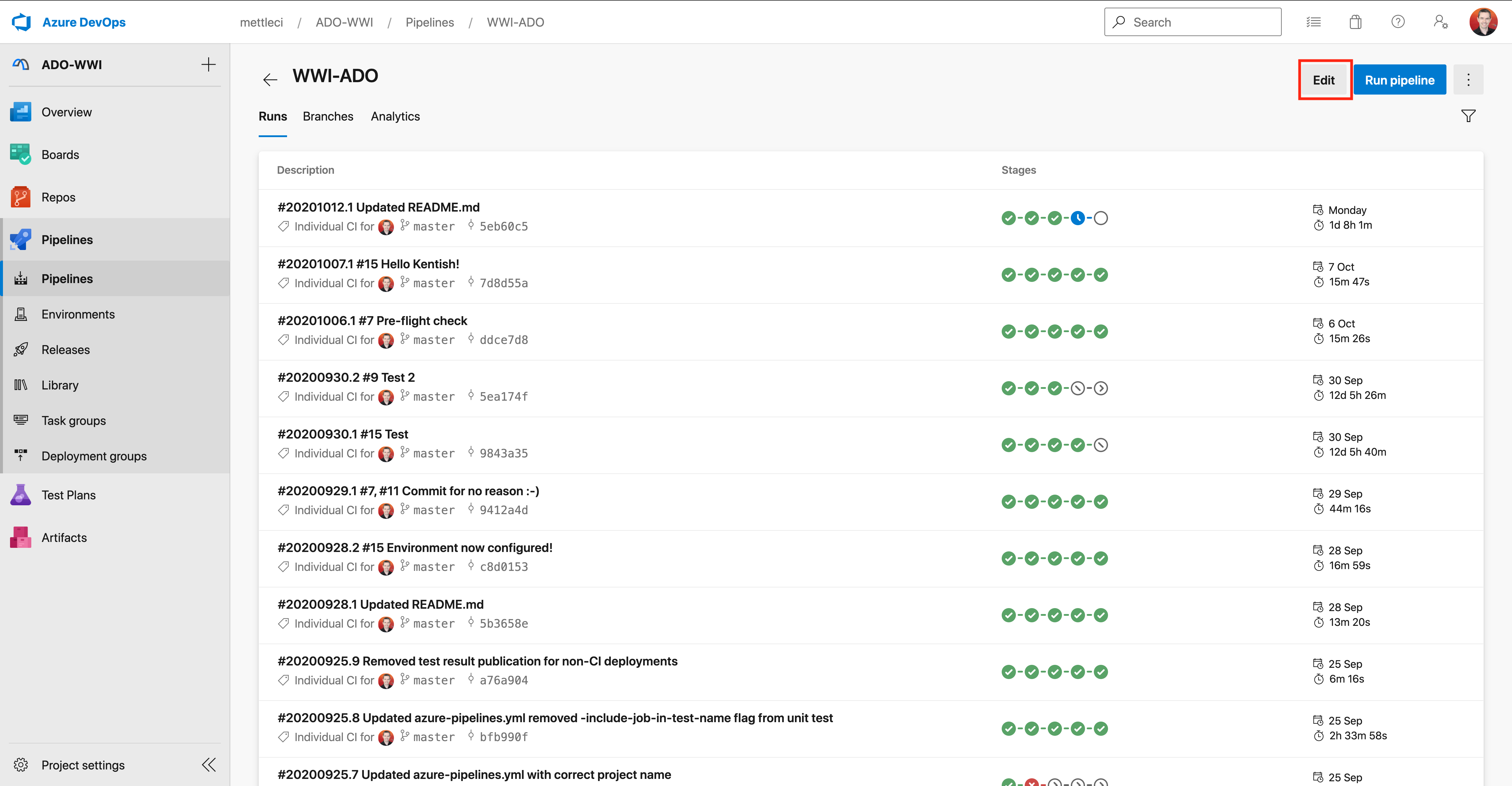
To set these variables, navigate to the pipeline and click “Edit” in the top right corner:
Then click “Variables” in the top right:
Make sure to check the box to keep the password variables secret: